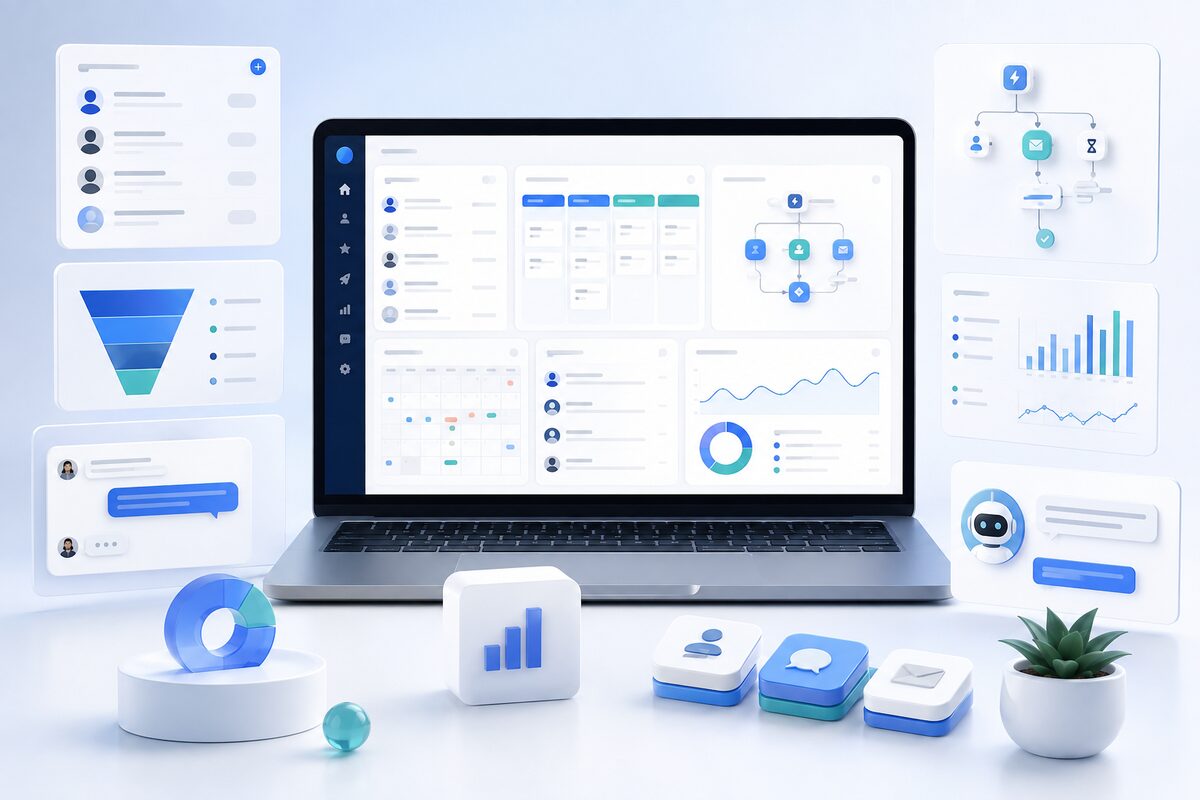
Quick answer: GoHighLevel CRM combines contacts, opportunities, pipelines, workflows, appointments, communication and marketing tools in an agency-oriented platform. It is best evaluated with a real customer journey because feature availability and usage costs depend on configuration.
GoHighLevel is commonly described as a CRM, but customer management is one part of a broader sales and marketing platform. It is designed especially for agencies, consultants and service businesses that want contacts, opportunities, workflows, communication, appointments and web tools in one environment.
This guide uses current official HighLevel information available in August 2026. Platform features and charges change, so confirm critical requirements during a trial and in the provider’s documentation.
What Is the GoHighLevel CRM?
HighLevel describes CRM as the contact list and the tools used to interact with those contacts. Its official glossary identifies appointments, communication and maintained customer data as core elements.
Businesses can store contact information, record activities, add notes and tasks, organize records with fields or tags, create sales pipelines, track opportunity values, assign owners and trigger workflows.
Contacts, Pipelines and Opportunities
In HighLevel, opportunities represent potential sales or deals within pipeline stages. The official opportunities guide explains how they connect prospects to a visual sales process.
A service-business pipeline might include new lead, qualified, appointment booked, proposal sent, follow-up and won or lost. Opportunities can move manually or through workflows. Multiple pipelines can separate services, teams or customer journeys.
HighLevel also documents support for multiple opportunities for the same contact in a pipeline, which can help with renewals, add-ons and parallel offers. Teams should test duplicate rules and automation carefully.
Workflow Automation
HighLevel workflows use triggers and actions to automate repetitive steps. According to its workflow documentation, they can manage leads, follow-up, communication and operational tasks.
- Create or update an opportunity
- Send confirmation or reminders
- Assign a user or create a task
- Add or remove tags
- Update fields or pipeline stages
- Notify an employee
- Connect webhooks or supported applications
- Branch according to customer activity
Businesses should build stop conditions, test duplicates and monitor workflow history. Automation is not a substitute for a defined sales process.
Communication and Appointments
Depending on setup and connected services, HighLevel can support email, SMS, calls, social messages, chat and appointment scheduling. Conversations can remain connected to the contact record, helping employees understand context.
Channel registration, consent, sender identity, phone numbers and usage charges may apply. Evaluate the real monthly volume rather than assuming these services are included in the base subscription.
AI Features
HighLevel’s AI tools documentation describes capabilities including Conversation AI, Voice AI, Reviews AI, Content AI and workflow assistance. Availability and pricing can vary by account and location.
Conversation AI can answer routine questions, support qualification and help with appointment booking when trained and configured. High-risk, unusual or sensitive conversations need human handoff. Teams should review prompts, data sources, action logs and incorrect-response handling.
Websites, Funnels and Forms
HighLevel’s broader platform includes forms, surveys, quizzes, websites, funnels and landing pages. These tools can feed contacts and opportunities directly into workflows, reducing integration steps. Teams with advanced content-management or ecommerce needs should test whether the built-in capabilities are sufficient.
Who Is GoHighLevel Best For?
- Marketing and automation agencies
- Consultants and coaches
- Appointment-based businesses
- Local and professional service companies
- Teams consolidating CRM and marketing tools
- Agencies managing repeatable systems across client accounts
Potential Advantages
- Broad toolset in one environment
- CRM, pipelines and workflows connected
- Communication and appointments tied to contacts
- Reusable workflows, templates and account structures
- Agency-oriented multi-account capabilities
- Web and lead-capture tools in the same platform
- Active documentation and education ecosystem
Potential Limitations
- The breadth of the platform can feel complex
- Reliable setup requires process planning
- Teams may pay for capabilities they do not use
- Communication and AI can create usage charges
- Specialized industries may need dedicated systems
- Migration, governance and staff training remain necessary
- Feature availability and interfaces can change
How to Evaluate GoHighLevel
- Define one complete customer journey.
- Create representative fields and a pipeline.
- Import a small clean sample of contacts.
- Build one workflow and test exceptions.
- Connect a calendar and test booking changes.
- Estimate email, phone, messaging and AI usage.
- Review permissions, exports and administrator workload.
- Compare it with the same scenario used for other CRMs.
Related B2B Souq Guides
- CRM software basics — CRM Software Basics: A Beginner’s Guide for Small Businesses.
- CRM with automation — CRM With Automation: Features, Benefits, and Practical Workflows.
- CRM product comparison — CRM Product Comparison: A Practical Framework for Choosing the Right Platform.
- digital workflow assistant — What Is a Digital Workflow Assistant? Uses, Benefits, and Examples.
Frequently Asked Questions
Is GoHighLevel only a CRM?
No. CRM is part of a broader platform that includes automation, communication, calendars, websites, funnels and AI-related tools.
Can GoHighLevel support agencies?
Agency-oriented account structures, reusable systems and white-label capabilities are central use cases. Exact availability depends on plan and setup.
Does GoHighLevel include AI?
HighLevel offers several AI tools, but availability, limits and charges can vary. Verify current terms for the intended account.
Is GoHighLevel easy to use?
Daily CRM actions can be straightforward, but the complete platform requires planning and administration. A focused implementation is easier than enabling everything at once.
What does CRM GoHighLevel refer to?
CRM GoHighLevel refers to HighLevel’s contact, opportunity, pipeline, conversation and workflow capabilities within its broader marketing and agency platform.
Is CRM High Level suitable for small businesses?
It can suit service businesses that want CRM, appointments, communication and automation together, but it may be more complex than a basic contact-management tool.
How should GoHighLevel CRM be compared with other products?
Build the same real workflow in each shortlisted platform and compare setup effort, reliability, reporting, integrations, usability and total usage cost.
Final Thoughts
The value of GoHighLevel CRM comes from how contacts, opportunities, communication, appointments and workflows operate together. It can be a strong option for agencies and service businesses seeking consolidation, but it should be evaluated against real requirements and total cost.
Compare it objectively using our CRM Product Comparison and CRM Systems Review.
Ready to Explore GoHighLevel?
Use the extended trial link below to build one real workflow and determine whether GoHighLevel fits your business. Avoid judging the platform only by its feature list.
Affiliate disclosure: B2B Souq may earn a commission if you register through this link, at no additional cost to you. Verify current features, pricing and trial terms on the provider’s website.