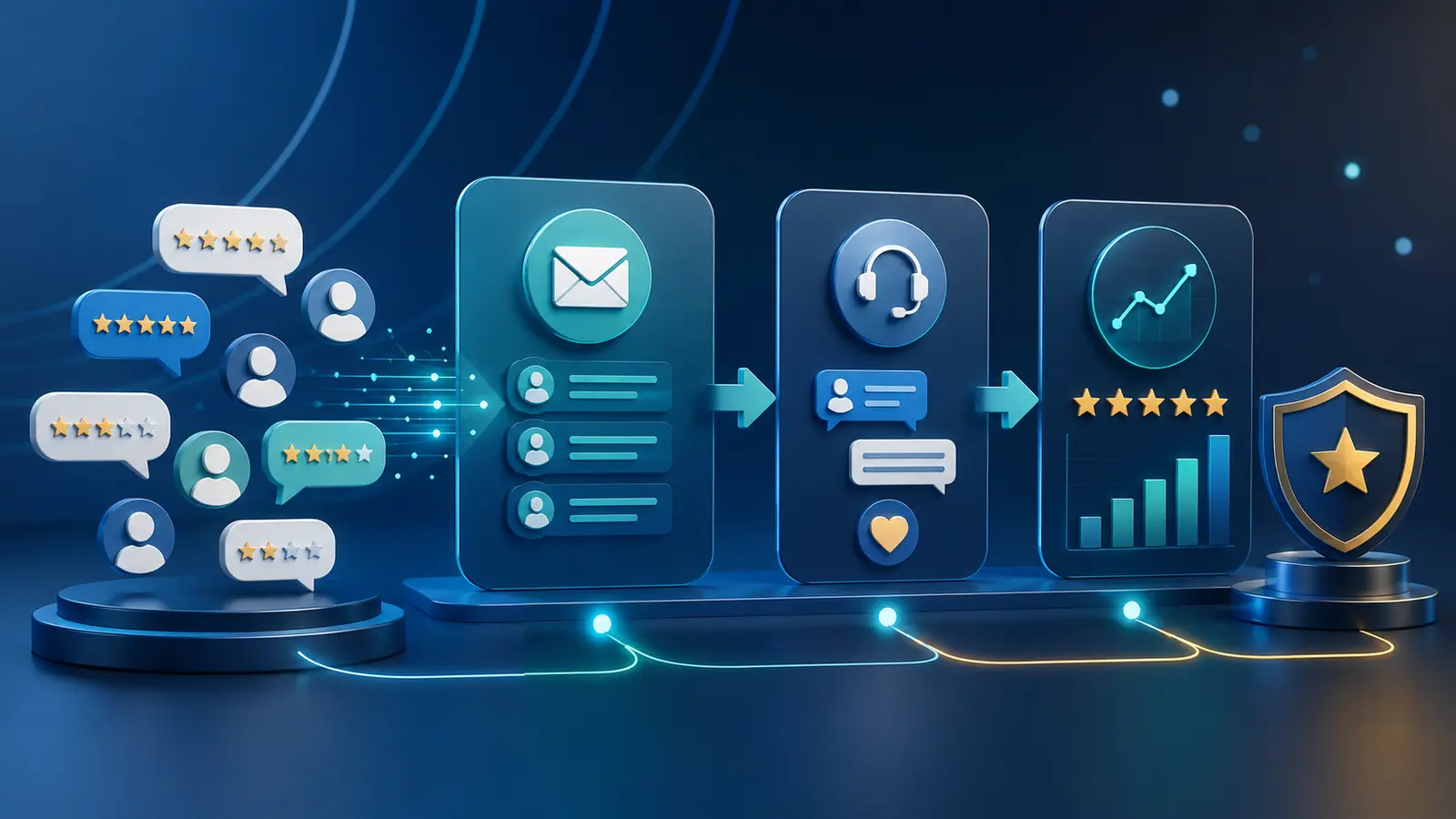
Quick answer: GoHighLevel reputation workflows can request feedback after a verified customer interaction and help teams monitor responses. The process should use neutral language, respect platform policies and route dissatisfaction to service recovery without suppressing legitimate reviews.
This practical guide explains the workflow, controls and measurements needed for reliable implementation. Related B2B Souq resources include our sales automation blueprint, CRM pipeline guide and GoHighLevel review.
Core Workflow Requirements
- Trigger requests after a real service milestone
- Use neutral, non-incentivized wording
- Provide a clear route for private support
- Assign ownership for negative feedback
- Respect review-platform policies
Translate each requirement into a field, stage, task, permission or review rule only when it supports a real decision. Keep the operating model understandable and document where human judgment is required.
Implementation Steps
- Choose eligible customer events
- Confirm consent and channel rules
- Write a concise request
- Create an internal service-recovery alert
- Test links and stop conditions
- Monitor response quality and policy compliance
Pilot with real scenarios, including exceptions. Confirm ownership, permissions, message timing, workflow exits and recovery before expanding the automation or migrating more records.
Metrics That Matter
- Request delivery
- Response rate
- Average rating trend
- Service-recovery response time
- Repeat issue categories
Compare results with a documented baseline. Segment by source, employee, workflow or customer type when it helps explain performance, but avoid small samples that create misleading conclusions.
Risks and Mistakes to Avoid
- Review gating
- Offering prohibited incentives
- Requesting reviews before service completion
- Automating defensive responses to criticism
Requirements vary by country, industry and data type. Review applicable privacy, consent, professional and platform rules, especially in healthcare, legal, financial or other sensitive workflows.
Evaluate the Workflow in GoHighLevel
GoHighLevel includes CRM pipelines, forms, calendars, conversations, funnels and workflow automation. Build one representative process during the trial, include real users and test exceptions, reporting and expected usage charges before deciding.
Get a 30-Day Free Trial + Free Live Bootcamp to Launch Your Business Automation
Use the extended trial to build a real CRM or automation workflow, with the free live Bootcamp supporting your initial launch.
Affiliate disclosure: B2B Souq may earn a commission from qualifying registrations at no additional cost to you. Verify current features, pricing, trial terms, bonuses and usage charges directly with the provider.
Frequently Asked Questions
What is review gating?
It is selectively directing satisfied customers to public reviews while diverting dissatisfied customers, a practice prohibited by some platforms.
Can GoHighLevel automate review requests?
It can support timed requests and follow-up; businesses must configure them to follow applicable consent and platform rules.
Should negative reviews receive automated replies?
A draft may help, but public responses to sensitive complaints should usually receive human review.
Practical Next Step
Choose one workflow, write down the baseline and expected outcome, then test the smallest safe version. Improve the process using evidence before adding more fields, messages, integrations or automation branches.